
This guide contains affiliate links. We may earn a commission at no extra cost to you — see our Affiliate Disclosure and Affiliate Disclosure Policy for details.
Table of Contents
A travel eSIM is the simplest way to stay connected abroad without hunting for a local SIM kiosk. You land, and within minutes you need a map to the hotel, a ride, a train timetable, and a way to message the people waiting for you. Staying online is one of the first practical problems of any international trip.
A prepaid travel eSIM solves it digitally. An eSIM is a SIM built into compatible phones, so there’s no tiny card to swap and no tray tool to lose. You buy a prepaid data plan, install it, and use it for your trip. This guide covers how eSIM0 works, and what to check at each step, from the team at Ryde Travel.
What Is a Travel eSIM and How Does It Work?
A travel eSIM is a digital SIM profile that you download onto a compatible phone instead of inserting a plastic card. The chip that holds it is already built into the phone, so the only thing you install is the plan itself. That plan connects your phone to a local mobile network at your destination, which lets you use mobile data without relying on your home carrier’s roaming charges.
Most travellers choose a travel eSIM for a few practical reasons:
- No physical swap: you never remove your home SIM, so you can’t lose it and your usual number stays in your phone.
- Buy before you fly: you can choose and pay for a plan at home, then have your installation details waiting in your inbox.
- Prepaid and predictable: you pick a data allowance and validity period, and the total price is shown before payment.
- Works alongside your normal line: your physical SIM can keep handling calls and texts while the eSIM carries your mobile data.
On esim0.com, the process is described in three steps: choose your plan, pay and receive your QR code by email, then scan it from your phone’s settings. According to the site, your phone connects automatically once you arrive at your destination.
Travel eSIM vs Roaming vs a Local SIM
A travel eSIM isn’t the only way to get online abroad, so it helps to know what you’re comparing it with. Here is a general overview. Prices and rules vary by country and by carrier, so check the details for your own trip.
| Option | Convenience | Things to watch |
|---|---|---|
| Travel eSIM | Buy and install digitally, often before you leave | Needs an unlocked, eSIM-compatible phone; data-only on eSIM0 |
| Home carrier roaming | No setup, uses your existing number | Charges depend on your carrier and plan; check before you go |
| Local physical SIM | Can include calls and texts with a local number | Requires finding a shop on arrival; ID rules vary by country |
If you mainly need maps, messaging, bookings and ride apps, a travel eSIM is usually the most convenient fit. If you also need a local phone number for calls, you may want to combine it with a local solution, or use your physical SIM for calls.
Step 1: Check Your Phone Before Buying a Travel eSIM
Before you browse any plans, confirm that your phone can actually use a travel eSIM. This is the step most likely to cause problems later, so do it first. Apple also explains how to use a travel eSIM on your iPhone, including dual-line setup and unlocking requirements.

✅ Compatibility checklist
- Your phone must support eSIM.
- Your phone must be carrier-unlocked. A locked phone may reject a plan from another provider.
- A model name alone isn’t full confirmation. Compatibility can depend on the exact model and the country where it was bought.
- Use eSIM0’s Compatible Devices page and your phone manufacturer’s guidance, and ask your home carrier about unlocking if you’re unsure.
A quick reality check on what you’re buying: eSIM0 plans are data-only. Your regular physical SIM can stay active alongside the eSIM for calls and texts, so you don’t have to give up your usual number.
Step 2: Choose the Right Travel eSIM Plan
Once your phone checks out, the fun part begins. To choose a travel eSIM on esim0.com, browse country, regional, city and global options. The site lists coverage for 200+ destinations, with prices starting from $1.99 at the time of writing. Popular country pages include Japan, France and the United States.

Match the plan to your itinerary
- One country? A country plan is usually the most straightforward choice.
- Several neighbouring countries? Look at regional options, such as the Europe plan.
- Many stops across continents? Check the global options.

Two numbers matter most when you compare plans:
- Data allowance: how much data you expect to use for maps, messaging, bookings and photos.
- Validity period: how many days the plan runs, which should cover your whole trip.
eSIM0 shows the total price before payment, so you can compare plans side by side. Remember that networks and speeds vary by plan, location and device, and that the site mentions 4G/5G depending on the plan. If you plan to use your phone as a hotspot, check the plan details first, as availability depends on the plan, destination and network.
Choosing data allowance and validity
There is no single right answer, because every traveller uses data differently. As a rough guide, think about your habits:
- Light use (maps, messaging, checking bookings): a smaller allowance may be enough for a short trip.
- Moderate use (social media, photo uploads, ride apps): choose a mid-range allowance and watch your usage.
- Heavy use (video calls, streaming, working remotely, or sharing a hotspot): look for a larger allowance and confirm hotspot availability.
Count the days from the moment your plan is active, not just the days you’ll be sightseeing. If you arrive late at night or leave early, make sure the validity period covers your arrival and departure comfortably. eSIM0 also says you can top up without reinstalling, so check the coverage and validity of any plan you add before you travel.
Check the local networks
The esim0.com homepage shows examples of local networks available on selected plans, including operators such as Verizon and AT&T in the United States, Orange in France, O2 in the United Kingdom, and KDDI and SoftBank in Japan. The site notes that these logos identify the operators and don’t indicate a direct partnership, and that networks and speeds vary by plan, location and device. Open your destination’s page to see what applies to the plan you’re considering.
Book Your Hotel stay during your Travel
How to Install and Set Up Your Travel eSIM
How delivery works
After checkout, eSIM0 sends your installation details (a QR code) by email once payment and eSIM delivery are complete. Your purchased plans and QR codes are also kept in your eSIM0 account, so you can find them again if the email gets buried. No ID or passport is needed. A free account with your email is enough to buy.

⚠️ Handle your eSIM profile carefully
- Install the eSIM using the QR code or details from your order, and keep the email safe.
- Don’t delete the eSIM profile from your phone unless you’re certain you’re finished with it. A deleted profile may not be reinstallable.
- Don’t share your QR code publicly.
- Check eSIM0’s activation guide for the full process.
When does the validity clock start?
Travel eSIM plans differ in how they activate. Some start when you install the eSIM, others when it first connects to a network at your destination. Check your plan’s details before you install, particularly if you want to set it up at home and have it ready on arrival.

Set up your data line correctly
This is where many travellers get tripped up. Once your travel eSIM is installed:

📶 Roaming and data settings
- Set the eSIM as your mobile data line.
- Turn Data Roaming ON for the eSIM line. This is what lets it connect to local networks abroad.
- Keep data roaming OFF on your home carrier’s SIM, and turn off any data switching to it, so your phone doesn’t quietly use expensive roaming data.
- Leave your physical SIM on for calls and SMS if you want to stay reachable.
Menu names vary between iOS and Android, and between manufacturers, so follow the labels on your own phone. If you spot your phone connecting to the wrong line, fix it before you start browsing.
Book Your Tour Packages for your Destination
Common Travel eSIM Mistakes to Avoid
Most connection problems come from a handful of avoidable slips. Run through this list before you fly:
- Skipping the unlock check. A phone that supports eSIM but is locked to a carrier may not accept a new plan. Confirm the status with your home carrier.
- Assuming the model name is enough. The same phone name can behave differently depending on where it was bought, so use the compatibility page and manufacturer guidance.
- Installing too late. Airport Wi-Fi can be slow or unreliable. Install your travel eSIM while you still have a stable connection, then follow your plan’s activation rules.
- Leaving home data roaming on. Keep roaming off on your home SIM and on for the eSIM line, as described above.
- Deleting the profile by accident. Don’t remove the eSIM from your phone until you’re sure you’re done with it.
- Losing the installation email. Save it, or remember that your QR codes and plans are also available in your eSIM0 account.
- Forgetting about calls. eSIM0 plans are data-only, so keep your physical SIM active if you want to receive calls and texts.
Your Travel eSIM Is Part of a Smarter Travel Toolkit
A travel eSIM works best alongside other good habits, not as your only plan. For more trip-planning ideas, browse the guides on Ryde Travel.
- Download offline maps for each city before you leave. They’re a handy fallback when signal is weak.
- Save bookings offline: screenshots or PDFs of flights, hotels and tickets.
- Keep your eSIM email and account login accessible in case you need your installation details again.
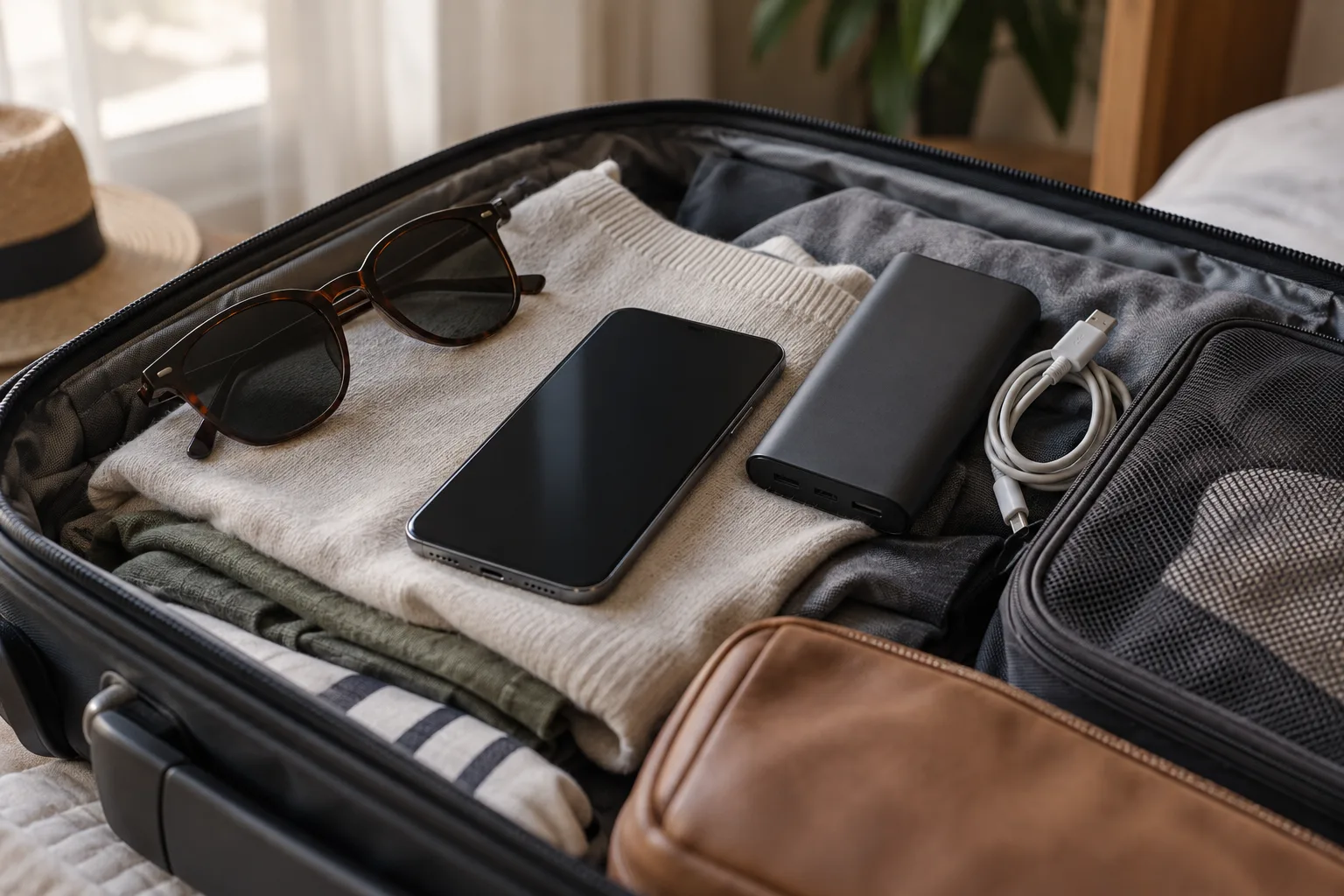
- Carry a power bank, as maps and messaging drain batteries fast.
If something goes wrong with an order or installation, eSIM0 offers support via WhatsApp and email. You can reach the team at support@esim0.com or through the contact page. The site also notes a 30-day refund policy, with conditions, so read the refund policy before buying.
Your Pre-Trip Travel eSIM Checklist
- ☐ Confirm your phone supports eSIM and is carrier-unlocked.
- ☐ Choose a plan that matches your destination, data needs and travel dates.
- ☐ Complete checkout and find your QR code in your email or account.
- ☐ Install the eSIM on a stable connection and keep the profile.
- ☐ Set the eSIM as your data line with roaming on, and home roaming off.
- ☐ Download offline maps and save your bookings.
- ☐ Save support@esim0.com in your contacts.
Travel eSIM FAQ
Will my normal SIM still work if I use a travel eSIM?
Yes. According to eSIM0, the eSIM only handles data, and your physical SIM keeps working normally for calls and SMS at the same time.
Do I need a passport or ID to buy a travel eSIM from eSIM0?
No. The site states that no ID or passport is required. You create a free account with your email and can buy a plan straight away.
Can I use my phone as a hotspot?
The site says most eSIM0 plans support hotspot or tethering, but you should confirm this in the plan details because availability depends on the plan, destination, network and device.
How fast is a travel eSIM?
eSIM0 says its plans support up to 5G where available and 4G/LTE in most destinations. Actual speed depends on the local carrier network, your location and your phone.
Can I make calls or send texts with the eSIM?
No, eSIM0 plans are data-only. Use your regular physical SIM for calls and SMS, or use internet-based calling and messaging apps over your travel eSIM data.
Can I use the same eSIM on my next trip?
eSIM0 says you can keep your eSIM for supported destinations and top up without reinstalling. Check the coverage and validity of any plan you add before you travel.
What if something goes wrong?
Contact eSIM0 support at support@esim0.com or through WhatsApp. Also read the refund policy for the conditions that apply.
Ready to Get Your Travel eSIM?
Check your device, match a travel eSIM plan to your route, and install before you go. Then you can focus on the trip instead of the signal.
👉 Explore current eSIM0 plans
👉 Need help with an order? Email support@esim0.com
Publisher Note & Fact-Check Disclosure
This article’s content was supplied by eSIM0 with AI assistance. It is company-provided editorial material rather than a firsthand, independent review by Ryde Travel. Information was fact-checked as of October 13, 2026. Plans, prices, coverage and conditions can change, so confirm the details on esim0.com before you buy. All illustrations are original conceptual vector artwork. They are not device screenshots, and they don’t show working QR codes.

Leave a Reply